








How to Set a GMT Hand for Business Travel
A GMT watch uses conventional hour and minute hands for one time zone and an additional 24-hour hand for another. Set the GMT hand to home or office time, set the main hands to local time, and read the GMT hand against the 24-hour scale to confirm AM or PM. Follow the manual for your specific watch before operating the crown or date mechanism.

How a GMT watch works: Read the displays
The standard hour hand and minute hand show one time zone. For business travel, assign these hands to local time at your current destination.
The GMT hand is the additional hand that completes one rotation every 24 hours. This GMT hand function provides a second time reference, usually home time, headquarters time, or UTC.
Read the GMT hand against the 24-hour scale, not against the normal 12-hour hour markers. A reading of 08:00 means 8 AM. A reading of 20:00 means 8 PM.
| Display | Recommended business-travel role | Reading method |
|---|---|---|
| Conventional hour hand | Local or destination time | Standard 12-hour dial |
| Minute hand | Minutes for local time | Standard minute track |
| GMT hand | Home, headquarters, or UTC | 24-hour scale |
| Date window | Calendar date used by the movement | Confirm after setting time |
The watch does not automatically assign a role to each display. Choose the reference before setting the crown. A practical default is:
- Main hands: destination time.
- GMT hand: home-office time.
- Date: confirm it matches the movement's active local-time logic.
For a deeper explanation of recurring city-pair planning, see Sea-Gull's guide to managing time differences with GMT watches.
How a GMT watch works: Check the manual before setting
Crown positions, date controls, and independently adjustable hands vary by movement. Do not use another GMT watch's crown sequence as instructions for your watch.
Check the official manual for these items before pulling the crown:
- The winding position.
- Each crown position and its function.
- Whether the crown is push-pull or screw-down.
- Which hand adjusts independently.
- The approved order for setting time, date, and GMT display.
- Quick-set date instructions and limits.
- The procedure for securing the crown after setting.
A watch may have an independently adjustable local-hour hand, an independently adjustable GMT hand, or a coupled-hand arrangement. These configurations affect how you reset the watch after landing.
Do not assume that changing local time leaves the date unchanged. On some GMT movements, moving the local hour hand across midnight changes the date. On other movements, the date operation follows a different sequence.
Date-setting caution: Do not apply a universal date-setting time range to a mechanical GMT watch. The date-change mechanism can be engaged during a movement-specific period. Follow the restriction in your watch manual. If the manual is unavailable, do not force the crown, date disc, or hands.
If the crown is screw-down, release it according to the manufacturer's instructions before setting. Secure it again after setting. Do not leave the crown pulled out during travel.
How a GMT watch works: Set the GMT hand safely
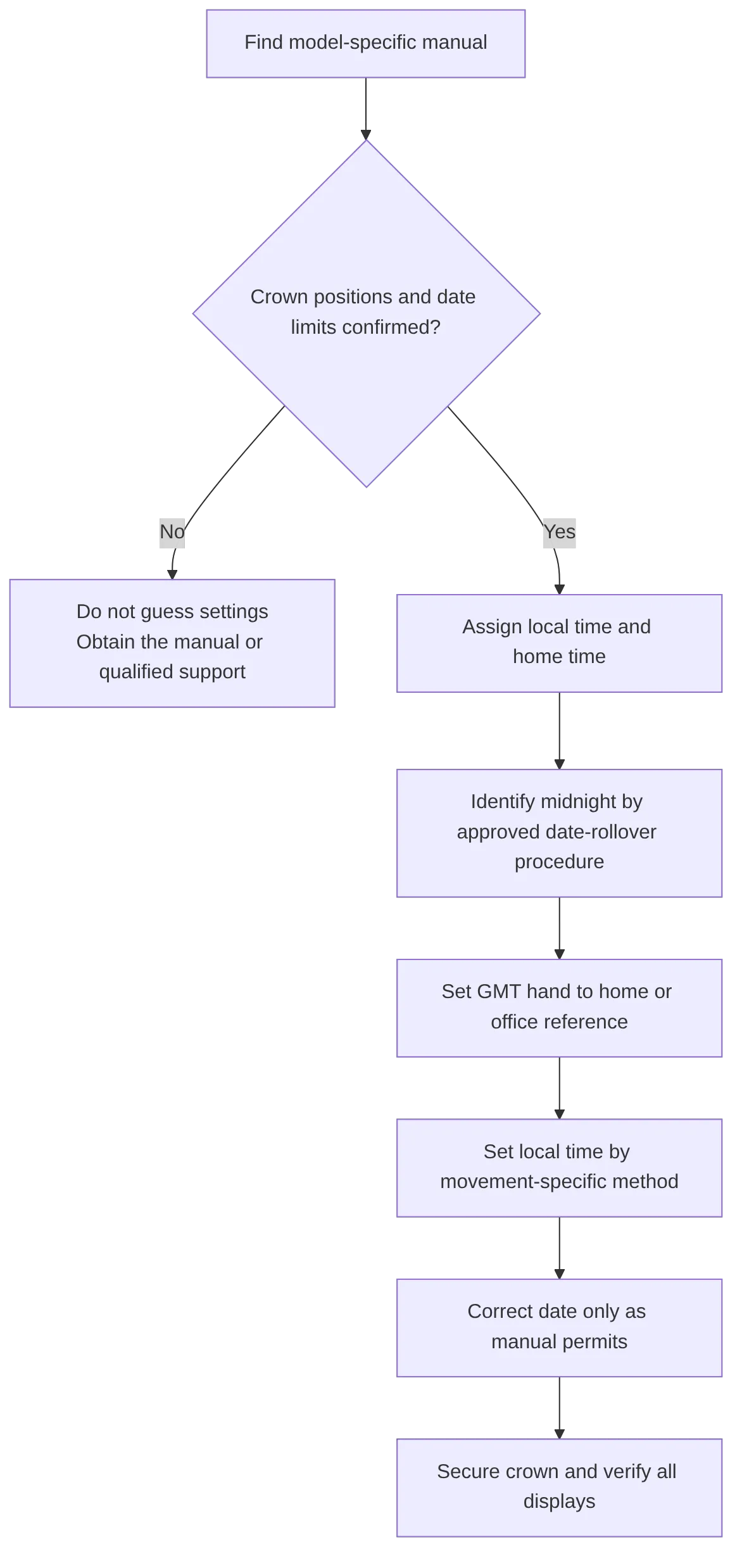
Use this procedure as a safety framework. The exact crown position and hand-setting order must come from the manual for your model.
-
Choose your two time zones.
Assign local time to the main hands. Assign home or office time to the GMT hand. -
Wind or restart the watch if required.
Follow the official winding instructions if the watch has stopped. A stopped watch can make AM/PM and date verification unreliable. -
Identify midnight through date rollover.
Use the manual-approved hand-setting procedure to advance the relevant display until the date changes. The date rollover identifies midnight in the movement's time-setting cycle. -
Set the home or office reference.
Set the GMT hand to the correct 24-hour value. For example, if headquarters time is 2 PM, align the GMT hand with 14, not 2. -
Set local time.
Use the movement's approved setting mode. Some GMT watches allow one-hour local-time adjustments. Others require a different setting sequence that can move the GMT hand or all hands. -
Correct the date through the approved method.
Set the date only as the manual directs. Recheck the date after moving local time across midnight. -
Return the crown to normal position.
Push the crown fully in. Screw it down if the manual requires it. -
Verify each display.
Confirm local time, home-time AM/PM, date, and bezel alignment before departure.
A common error when learning how to set a GMT hand is placing the hand at the correct number on a 12-hour dial but the wrong value on the 24-hour scale. Always use the 24-hour reading for the reference zone.
How a GMT watch works: Use multiple time zones
The standard two-zone setup is sufficient for most trips:
- Read destination time with the conventional hands.
- Read home-office time with the GMT hand.
- Use the 24-hour scale to confirm if the office is open, near midnight, or already on the next date.
This approach supports managing time differences with GMT without repeated time-zone calculations. For example, a GMT hand pointing to 22:00 shows that your home office is at 10 PM, even if the normal hands show 9:00 at your destination.
A 24-hour GMT bezel can add a third reference only when the watch has a rotating 24-hour bezel. A fixed scale cannot be repositioned for another offset.
To use a rotating 24-hour GMT bezel for a third zone:
- Keep the GMT hand assigned to home time or UTC.
- Find the current time difference between that reference and the third city.
- Rotate the bezel by the required offset.
- Read the GMT hand against the bezel for the third-city time.

Check daylight-saving changes before relying on a bezel offset. City-to-city differences can change seasonally. Some locations also use 30-minute or 45-minute offsets, which a standard bezel may not show precisely.
For how to use a GMT watch for multiple time zones, keep the setup simple: use two zones by default, then add a third only when your watch has the required rotating bezel or a verified world-time display.
How a GMT watch works: Prevent travel-setting errors
Use this checklist before a flight, client call, or cross-border deadline.
| Check | Required action |
|---|---|
| Local time | Confirm the conventional hands show the destination time |
| Home time | Confirm the GMT hand reads the selected office or home reference |
| AM/PM | Read the GMT hand against the 24-hour scale |
| Date | Confirm the date after any local-hour adjustment |
| Daylight saving time | Recheck the current offset for each tracked city |
| Crown | Push in and secure it as required by the manual |
| Third time zone | Confirm the bezel offset only if a rotating 24-hour bezel is fitted |
Why does the date change at the wrong time?
The watch may be set 12 hours out of phase, or the date may follow the local hour hand instead of the GMT hand. Identify midnight through the manual-approved date-rollover procedure, then reset the displays.
Is the GMT hand always home time?
No. The GMT hand shows the reference you select. Home time is common for travel, but UTC or a remote office can be more useful for a specific schedule.
Can every GMT watch track three time zones?
No. A third-zone reading requires a rotating 24-hour bezel, a world-time display, or another verified mechanism. A fixed 24-hour scale normally supports two time zones.
Does every GMT watch have a jump-hour local hand?
No. Some watches independently adjust local time, some independently adjust the GMT hand, and some use another arrangement. The manual determines the operating method.
How a GMT watch works: Compare Sea-Gull GMT formats
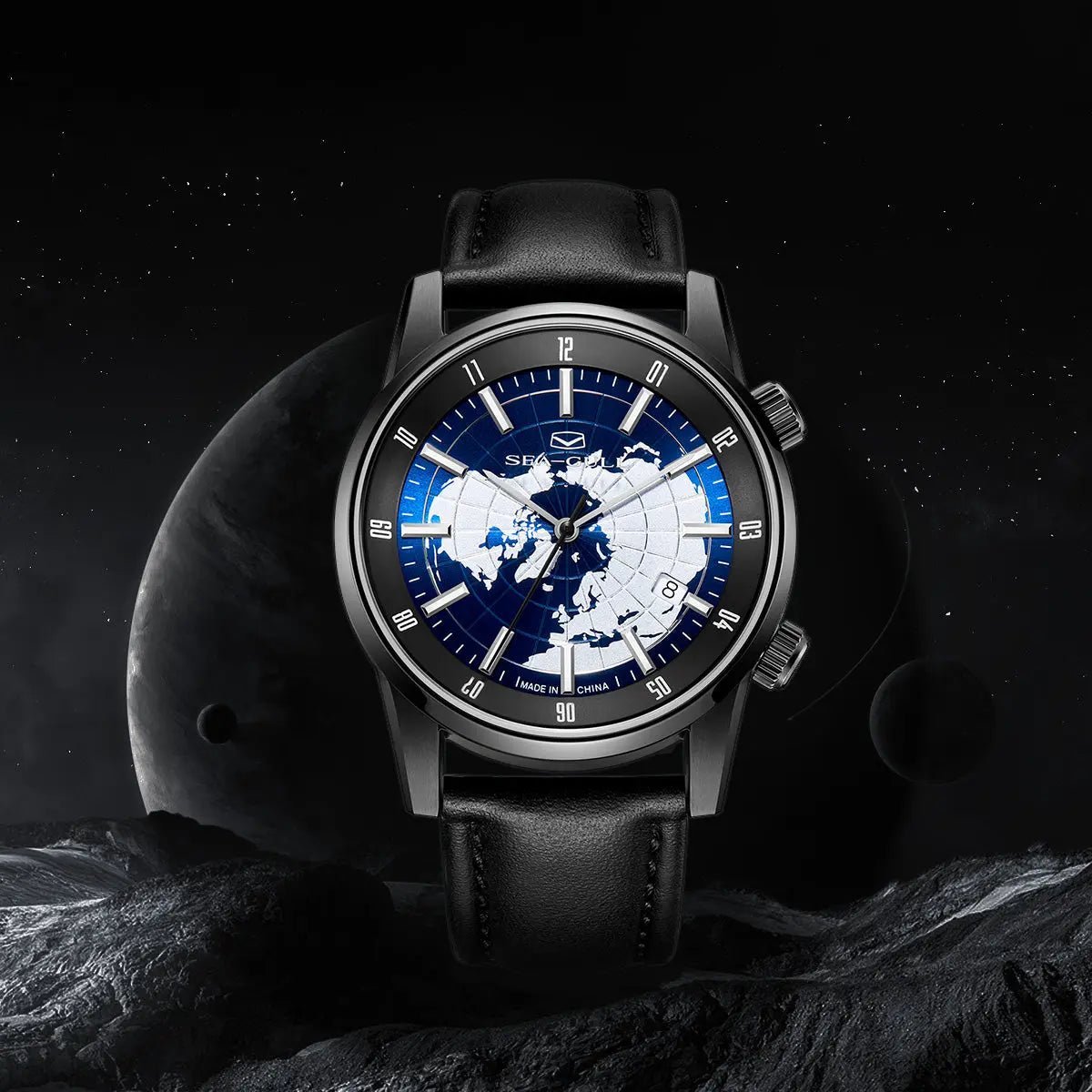
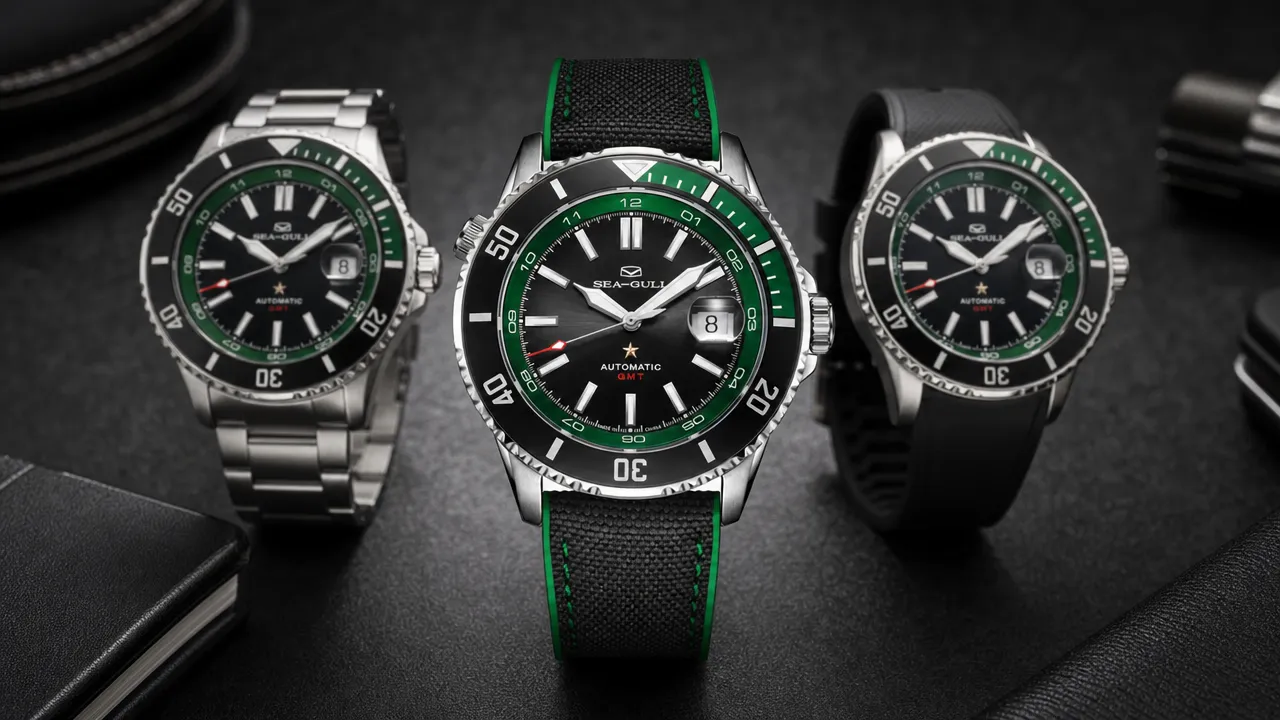
After you understand the controls and manual requirements, review the display format that fits your schedule. Sea-Gull offers a GMT watch collection with different dual-time and world-time layouts.
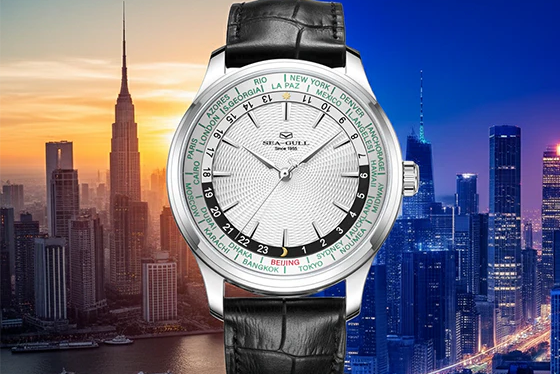
The GMT World Time Dual Time Zone Calendar 41mm is listed with GMT, world time, dual time zone, and calendar functions. Its product page should be used for current model details. Confirm the exact operating procedure with model-specific instructions before setting the watch.
The GMT Dual Time Zone Calendar 40mm is another mechanical GMT and calendar format. Do not assume its crown functions, date behavior, or hand-adjustment sequence match another Sea-Gull model.
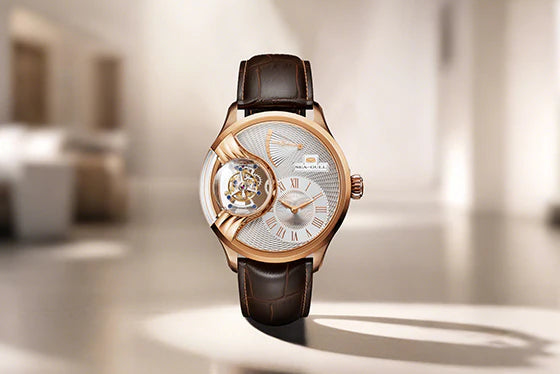
The Dual Time Zone GMT Retrograde Calendar 44mm has a different display layout. Review its official product information and instructions before applying a standard GMT setting routine.
GET 10% OFF YOUR FIRST ORDER. Subscribe to our newsletter to receive your exclusive promo code and stay updated on new releases.



Dejar un comentario
Este sitio está protegido por hCaptcha y se aplican la Política de privacidad de hCaptcha y los Términos del servicio.